| 1 | 2 |
These layers are PRETTY, but what good are they if they don't PRINT?
I guess that sums up my hesitation to use layers. There are too many problems with them, and it will take me too long to learn all about them.
Seeing this text printed shows ANOTHER problem. The layers are covering the print! YIPES!
I guess it just goes to show, I Don't Get LAYERS!!
(text added 12/6/06)
OH NO! What shows up on screen is even worse than what shows up on my page as I write. HELP!
Guess I'd better re-read this week's lesson...
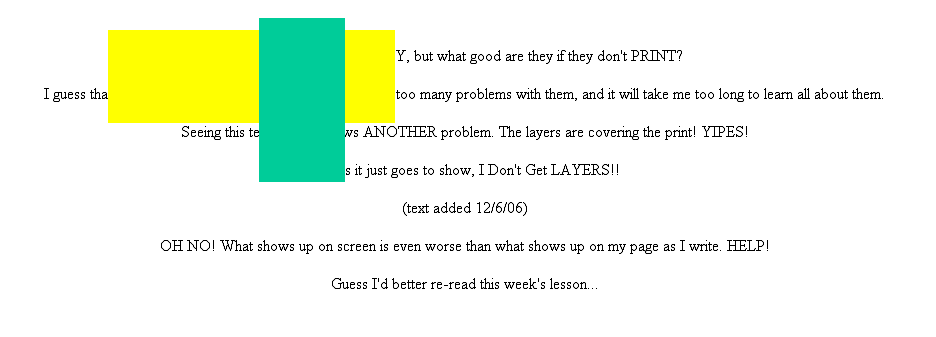
Here's what I see when I view this page on screen.
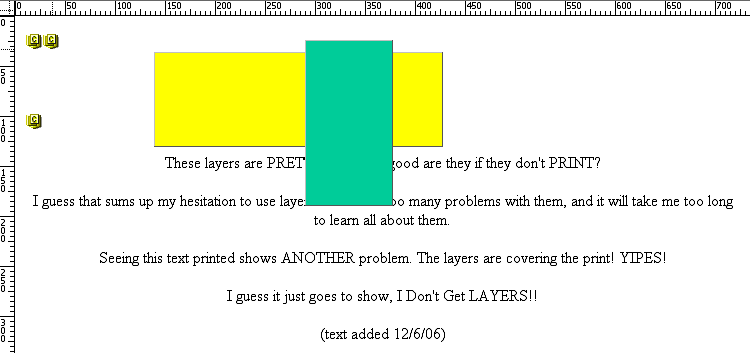
Here's what I see when I view this page in the Dreamweaver design view.
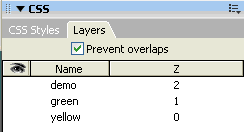
Question is this: WHY does the print get positioned below the yellow, but now the green? The green layer covers the text. Does this mean the text is on a third layer, which has a z-layer # that is lower than the green layer's? Frankly, I don't even remember how to find out where the layers are!!!! Did I learn NOTHING? It's back to the drawing-board for me - just when I thought I was ready to jump off into frames...
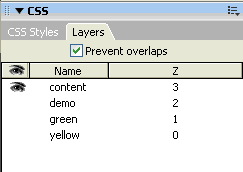
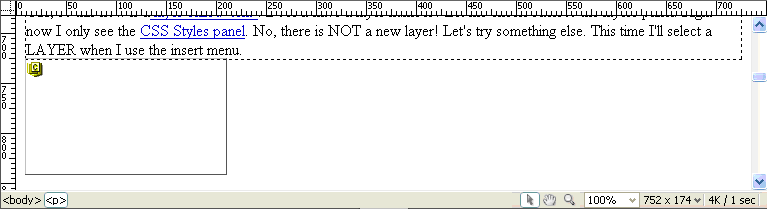
I remembered - you have to go to WINDOW and select LAYERS for the layers panel to appear. What would happen if I put this text on another layer? How would I actually do that? Ah - I use the INSERT-LAYER OBJECTS-DIV TAG.
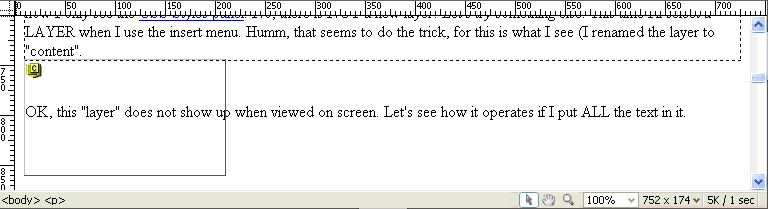
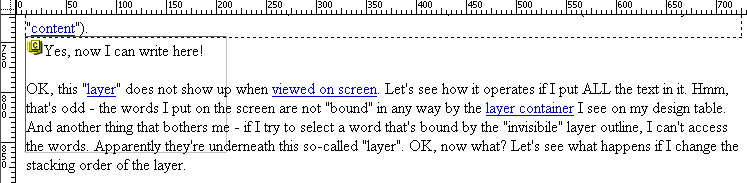
OK, this "layer" does not show up when viewed on screen. Let's see how it operates if I put ALL the text in it. Hmm, that's odd - the words I put on the screen are not "bound" in any way by the layer container I see on my design table. And another thing that bothers me - if I try to select a word that's bound by the "invisibile" layer outline, I can't access the words. Apparently they're underneath this so-called "layer". OK, now what? Let's see what happens if I change the stacking order of the layer. (See the red printed text above, which I wrote AFTER this paragraph.).
SO - what I've determined is this: if I want layers to show properly on a page with text, I need to include the text on a layer itself, and put it in the right stacking order so that it will be seen. Let's see if I can do that now.