


|
|
|
|
|
|
|
|
Martha's COIN 74 Week 4 Exercises
Day Four - Image Rollovers - Part II!
Here we go - I'm going to try to create a roll-over image on my own. First of all, I have to select two images.
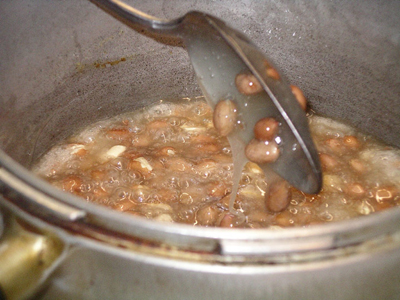
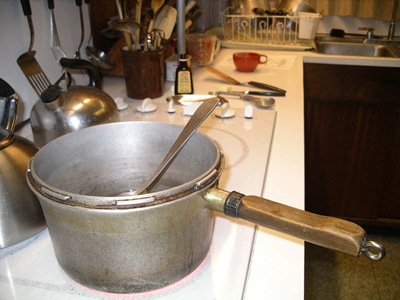
Dear me, I forgot how to do it! I'm back to reading the instructions, line-by-line. So, I have two images of the same size. Now I need to choose where to insert my rollover image, and then Go to the Common Category of the Insert Bar and click on the dropdown arrow to the right of the Image button. All right, I choose HERE:
UNBELIEVABLE!!!
Page Created 10/xx/06 Assignment Submitted 10/17/06
Document Last Modified:
© mjraup 2006
Webmaster